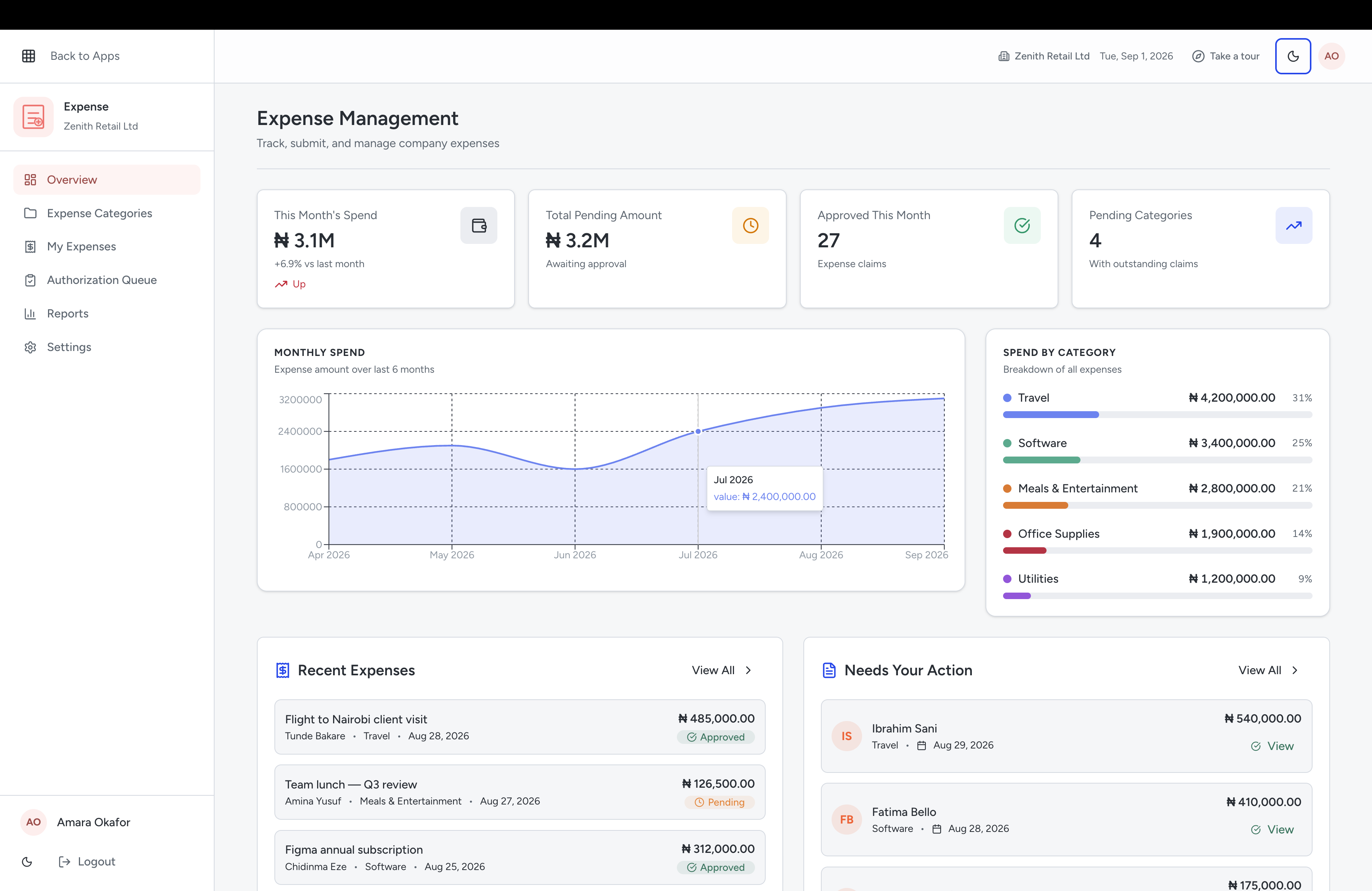
Money rarely disappears. It leaks, through small approvals nobody tracked.
Approvals happen in chat and cannot be found later.
Somebody approved it. Probably. On a phone, in a thread, three weeks ago.
You discover the budget was blown after it was blown.
The variance shows up in the month-end report, which is the one moment it is too late to act on.
Receipts arrive late, as photos, or not at all.
And the claim gets paid anyway, because holding it up costs more goodwill than it saves.
You cannot tell which department is actually costing what.
Everything lands in one pot, so nobody owns the number and nobody can be asked about it.
Why Qorpy Expenses
Control that does not slow anybody down
Rules set once, applied every time, with the trail kept automatically.
Submission and approval with a trail
Claims are submitted in the system, routed to whoever should see them, and kept where you can find them afterwards.
- Expense submission and approval flow
- Role-based approval rules
- A permanent record of who approved what
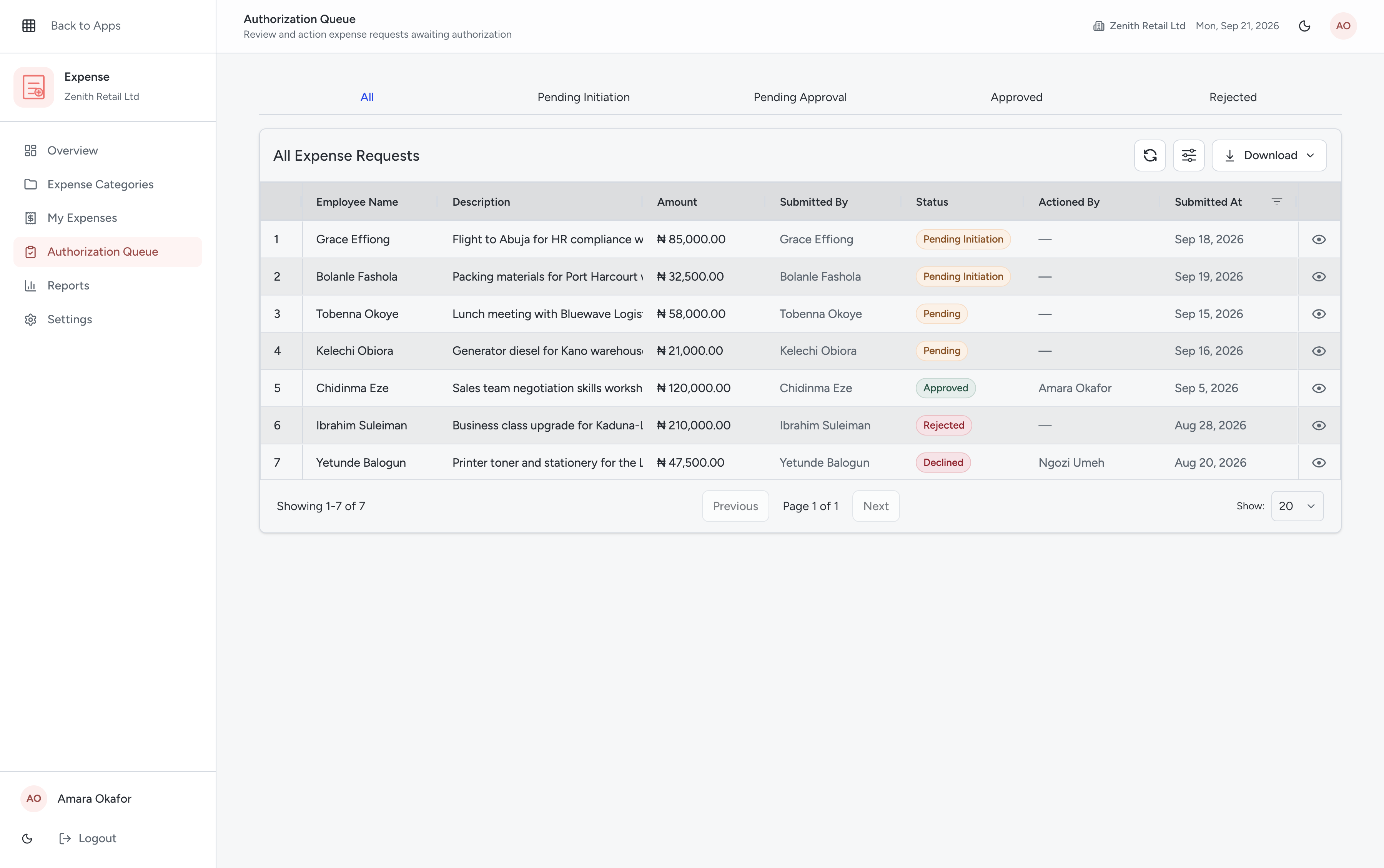
See exactly where the money is going
Spend breaks down by department, category and period as it happens, so you know what is driving the number instead of just seeing the total at month-end.
- Spend reports by department and category
- Trend and period-over-period comparisons
- Exportable reports for finance and audit
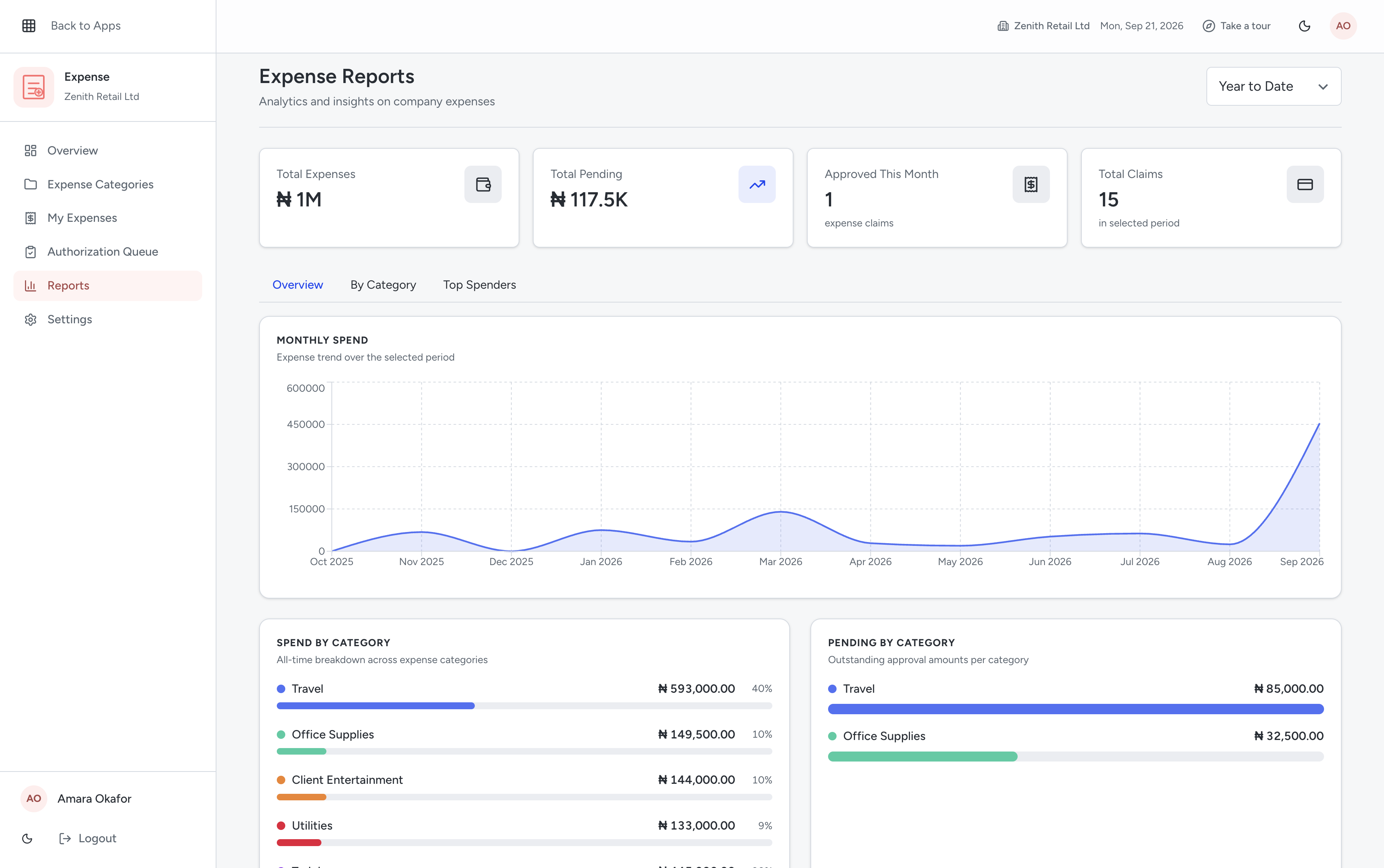
Receipts attached to the transaction
Receipt scanning and attachments mean the evidence sits with the entry, which is what an auditor, a bank or a tax adviser will ask for.
- Receipt scanning and attachments
- Department-level cost analysis
- Approved expenses post into your accounts
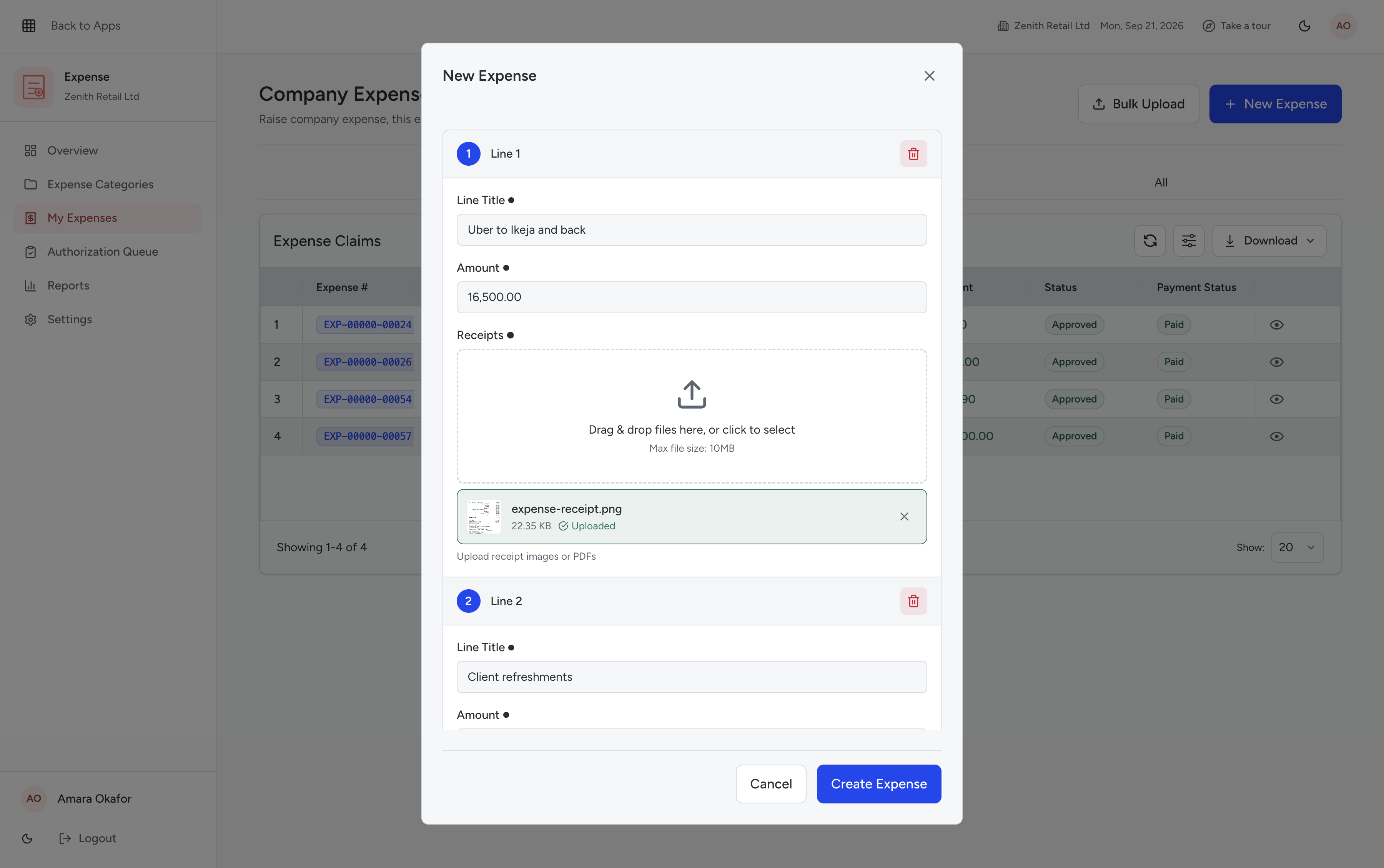
What is included
Every item below is live in the Expense Management module today.
Expense submission and approval flow
Claims raised, routed and approved in one place.
Budget tracking with variance alerts
Know while you can still act on it.
Receipt scanning and attachments
Evidence stored with the entry.
Department-level cost analysis
A number each department can be asked about.
Posts to your accounts
Approved spend lands in the ledger automatically.
Role-based access
Approvers see what they need to approve.
From sign-up to your first approved claim
Four steps, in order. Most teams get through all four in a single afternoon.
Create your account
Sign up in under two minutes and choose your industry and business size.
Set budgets and rules
Define departments, budgets and who approves what. Once.
Invite your team
Add approvers and claimants, and assign roles.
Approve your first claim
A claim is submitted with its receipt, approved in the system, and posted to your accounts.
The three things people ask before they switch
Answered here rather than on a sales call, because you should not have to book a meeting to find out whether something fits.
Can staff submit from a phone?
Expenses are submitted with receipt scanning and attachments, so a claim can be raised where the spend happened rather than back at a desk.
Who decides what gets approved?
You do. Approval routing follows the roles you set, and the record of each decision stays in the system.
Does approved spend reach the accounts?
Yes. Expenses sit on the same database as accounting, so approved claims post to the ledger without a second entry.
Frequently asked questions
Can't find your answer? Reach out to our team and we'll get back to you within an hour.